Speak into any app on your Mac. Your voice never leaves it.
Hold a key, talk, and clean text lands wherever your cursor is: Claude Code, Cursor, Terminal, Slack, your browser. Speech recognition runs entirely on your Mac, so what you say out loud stays local and secure.
macOS 14+, Apple Silicon. $16.99 once, no subscription, no account.
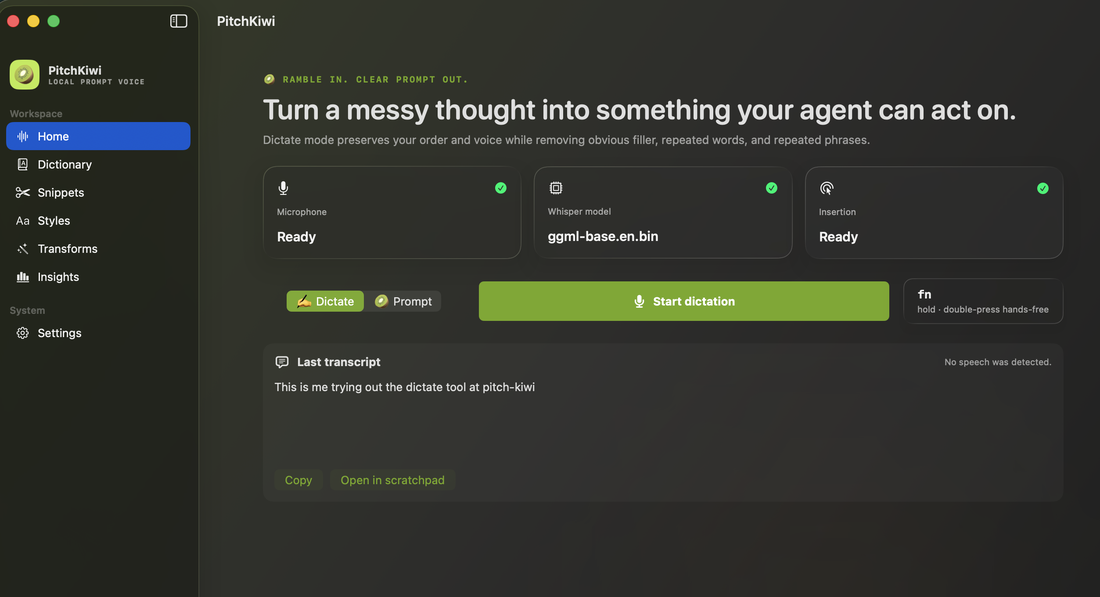
See it in action
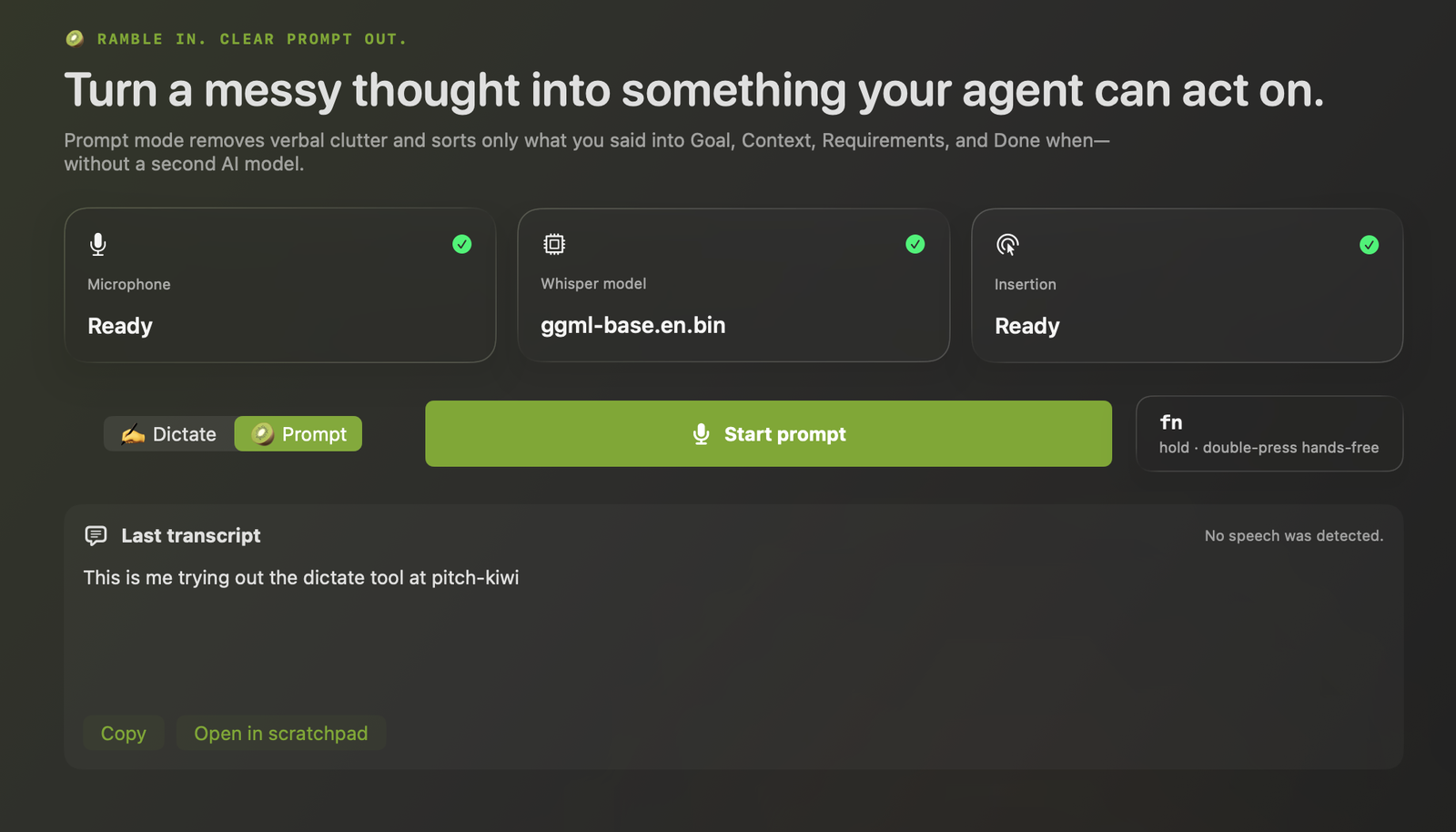
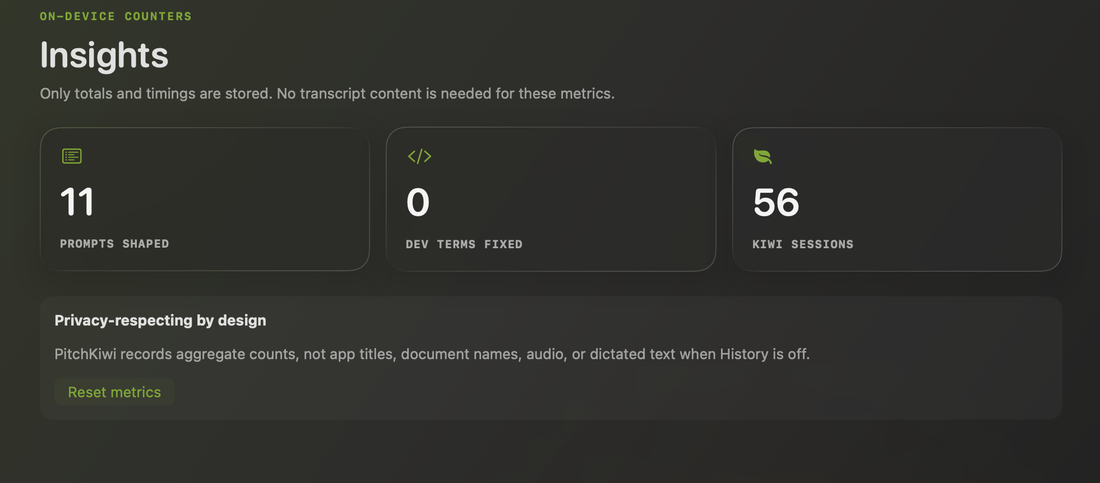
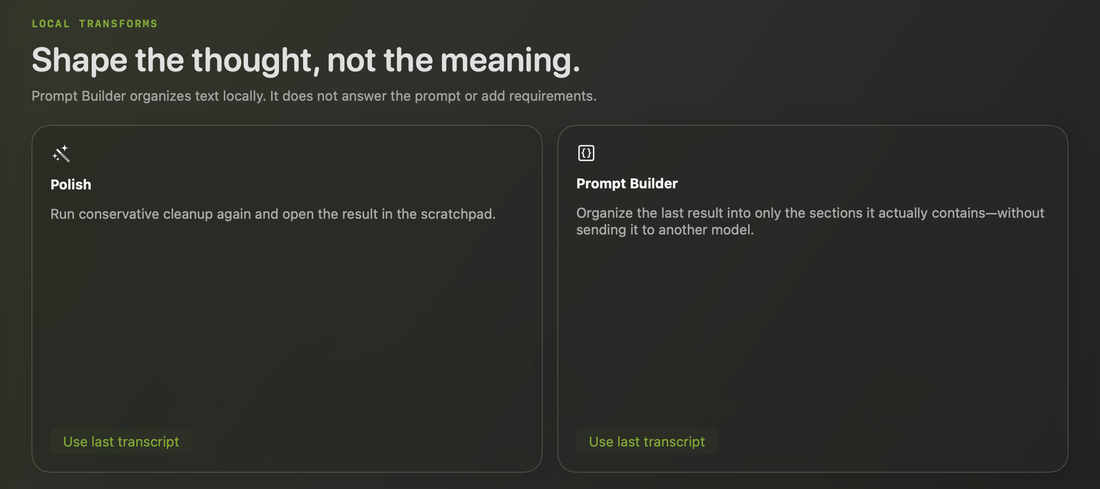
The actual app: turn rambling into a structured prompt, see what's tracked on-device, and shape text locally without a second model.
Most dictation apps send your voice somewhere else first.
Typing a detailed prompt is slow, so most people write short ones and get worse results back. Talking is faster, but the popular dictation apps process your audio on their servers before it ever reaches your screen. That's a strange trade for developers: you end up reading file paths, internal plans, and half-written code out loud to a company you've never met.
Cloud transcription means your audio leaves your Mac before you see any text.
A subscription for dictation runs $120 to $180 a year, for something your own laptop can do.
Generic dictation mangles the exact things developers say all day: useEffect, --force, file paths, casing.
PitchKiwi does the transcription itself, on your Mac.
Hold a hotkey, speak, release. The speech model runs locally. A deterministic cleanup pass fixes punctuation, casing, and developer terms built for how developers actually talk. Nothing is uploaded, because there's nowhere for it to go, which means your code, prompts, and internal plans stay exactly as secure as your own Mac.
A prompt, not just a transcript.
Ramble for a minute about what you want built, half-formed thoughts and all. PitchKiwi turns the mess into Goal, Context, Requirements, and Done when, ready to paste into Claude Code or any agent.
- Only what you actually said. It never invents requirements you didn't give it.
- Runs entirely on your Mac. The raw ramble never leaves it, let alone reaches a second model.
- Paste-ready. No cleanup pass of your own before your agent can use it.
Goal: add a dark mode toggle to the settings page
Requirements:
- Toggle placed at the top of the settings page
- Preference persists across app restarts
- Matches existing sidebar styling
Done when: toggling works and the choice survives a restart
Dev-aware casing
"camel case user id" becomes userId. Snake, kebab, and constant case too.
Spoken symbols
"dash dash force" becomes --force in your terminal and editor.
Terminal-safe
Never presses Return for you. Dictated commands land, they don't run.
Personal dictionary
Teach it your project's names once, stop watching it misspell them.
Four steps, all of them local, all of them secure.
No step in this pipeline touches a network, unless you ask it to download a model. Nothing you say can leak, because it never leaves the machine.
Hold the key
Fn, or any shortcut you set.
On-device model
Speech turns to text on your Mac.
Cleanup pass
Casing, symbols, punctuation, dictionary.
Your cursor
Pasted where you were typing.
Here's everywhere it can connect, and that's the whole list.
Every connection is listed in Settings, and there's an Offline switch that blocks all of it. Your voice and everything you dictate is never one of these connections.
| Destination | When |
|---|---|
| huggingface.co | Only when you click Download on a speech model |
| Update server | Only if you enable automatic update checks |
| Gumroad license check | Once when you activate, then roughly every 7 days, to confirm your license key |
| Your voice, ever | Never. Speech recognition happens entirely on your Mac |
There's no PitchKiwi account, no email, no password, no server of ours. The only network call the app makes on its own is a license check against Gumroad: your product ID and license key, nothing else. We never see, store, or transmit your voice, transcripts, or dictation history. See the full privacy policy.
$16.99. Pay once.
One plan: a signed macOS app, yours for good, with speech recognition that runs entirely on your Mac.
PitchKiwi
macOS 14+, Apple Silicon required
- Download the signed macOS app straight away
- Local, on-device speech recognition, your voice never leaves your Mac
- Pay once, yours forever, no subscription
- Activate with a license key, no account required
No account, ever. Buy on Gumroad, get a license key by email from Gumroad, paste it into the app. Nothing about your voice or what you dictate is ever stored, on your Mac or anywhere else.
PitchKiwi is Mac only, built for Apple Silicon. There's no Windows or Linux version, and none planned.